


Not every company has a dedicated sales department — but every quotation still starts with an enquiry, and capturing that information properly builds your sales reporting system automatically. Where a sales team does exist, this area helps them generate enquiries, prepare quotations, and track how well campaigns and customer contacts are converting. Either way, it all feeds into reporting on contract profitability, right back to the original enquiry.
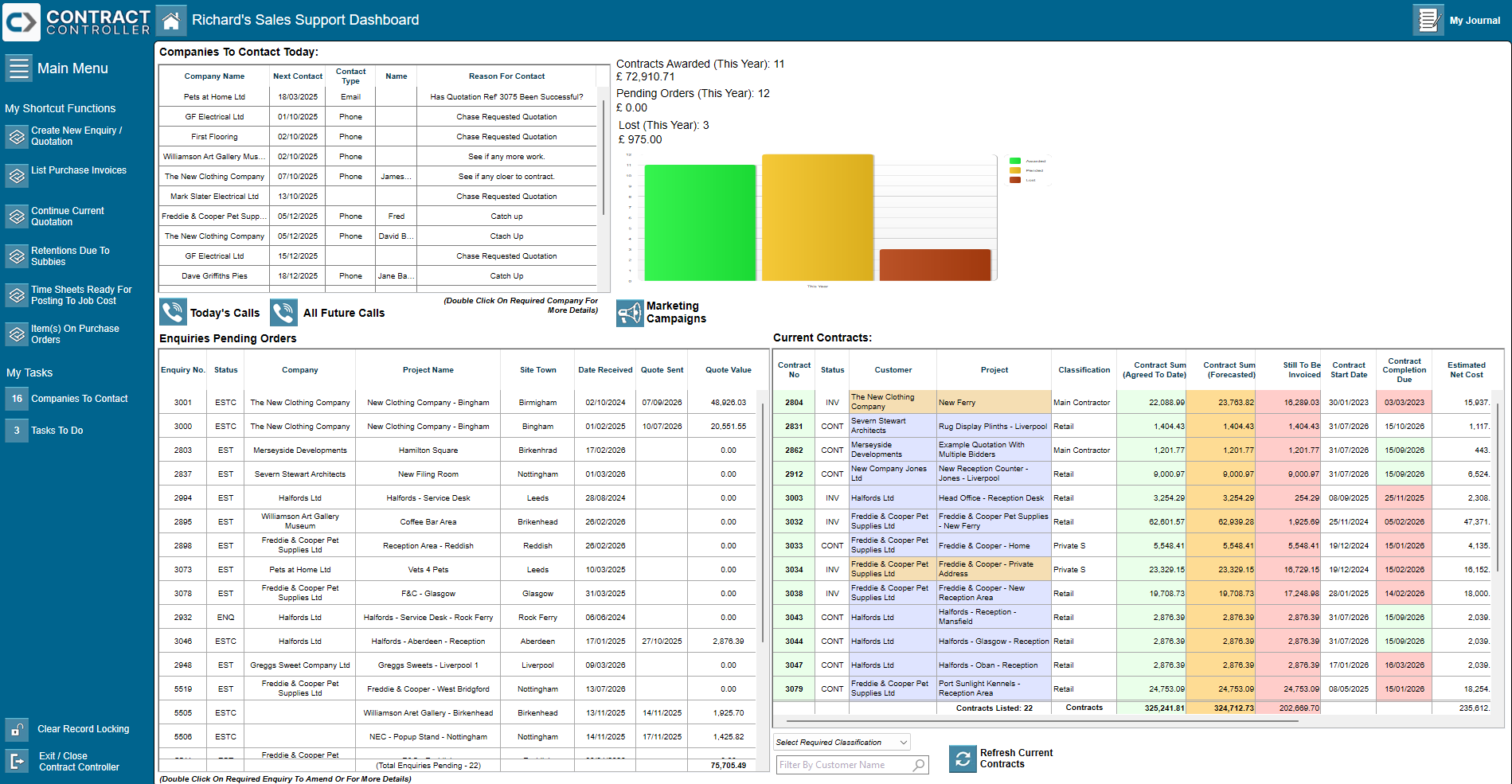
The Sales Manager dashboard gives an immediate read on enquiries and quotations across the board.
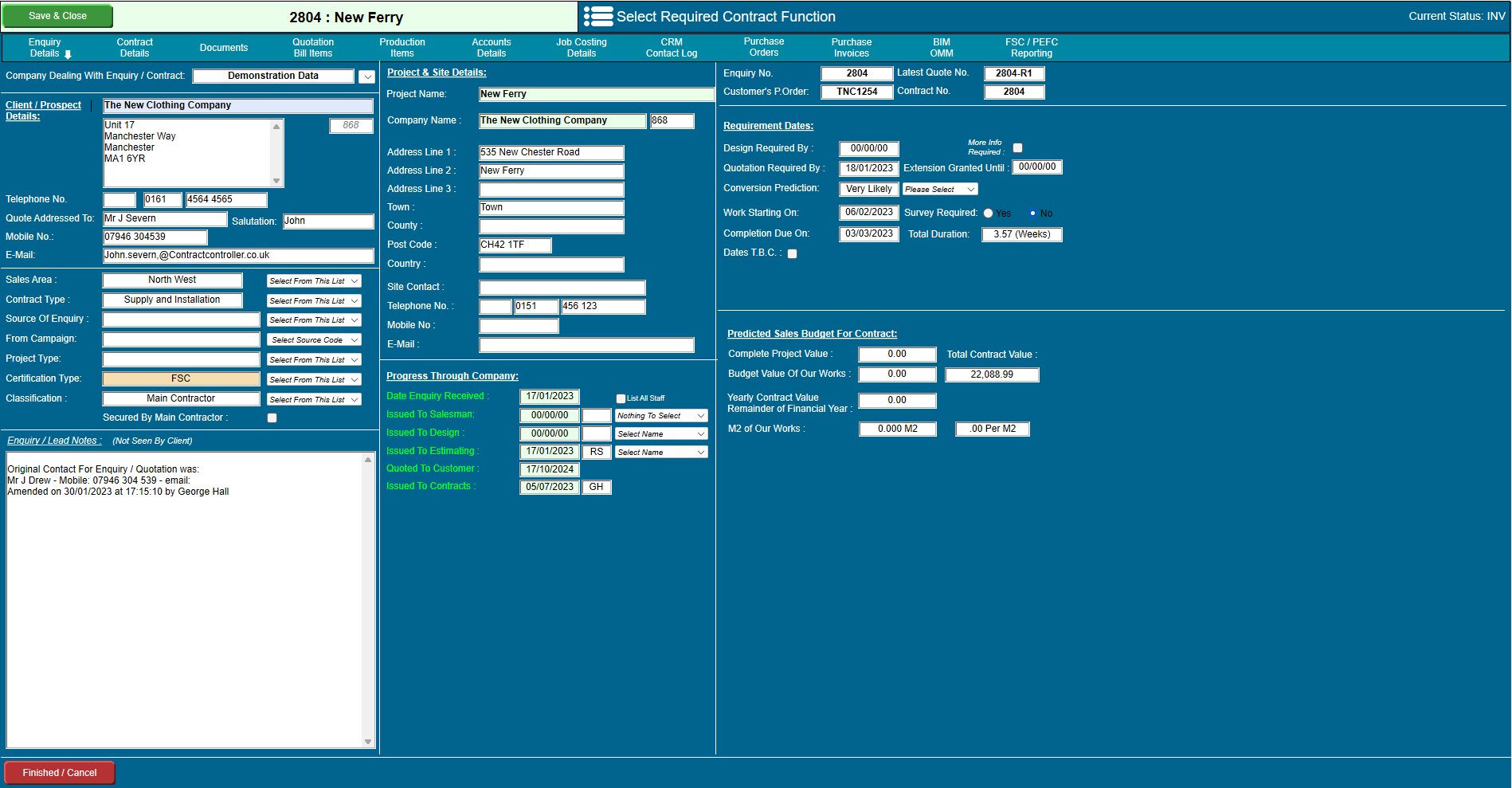
As an enquiry moves through the company, everyone involved has access to the full picture — not just whoever started it.
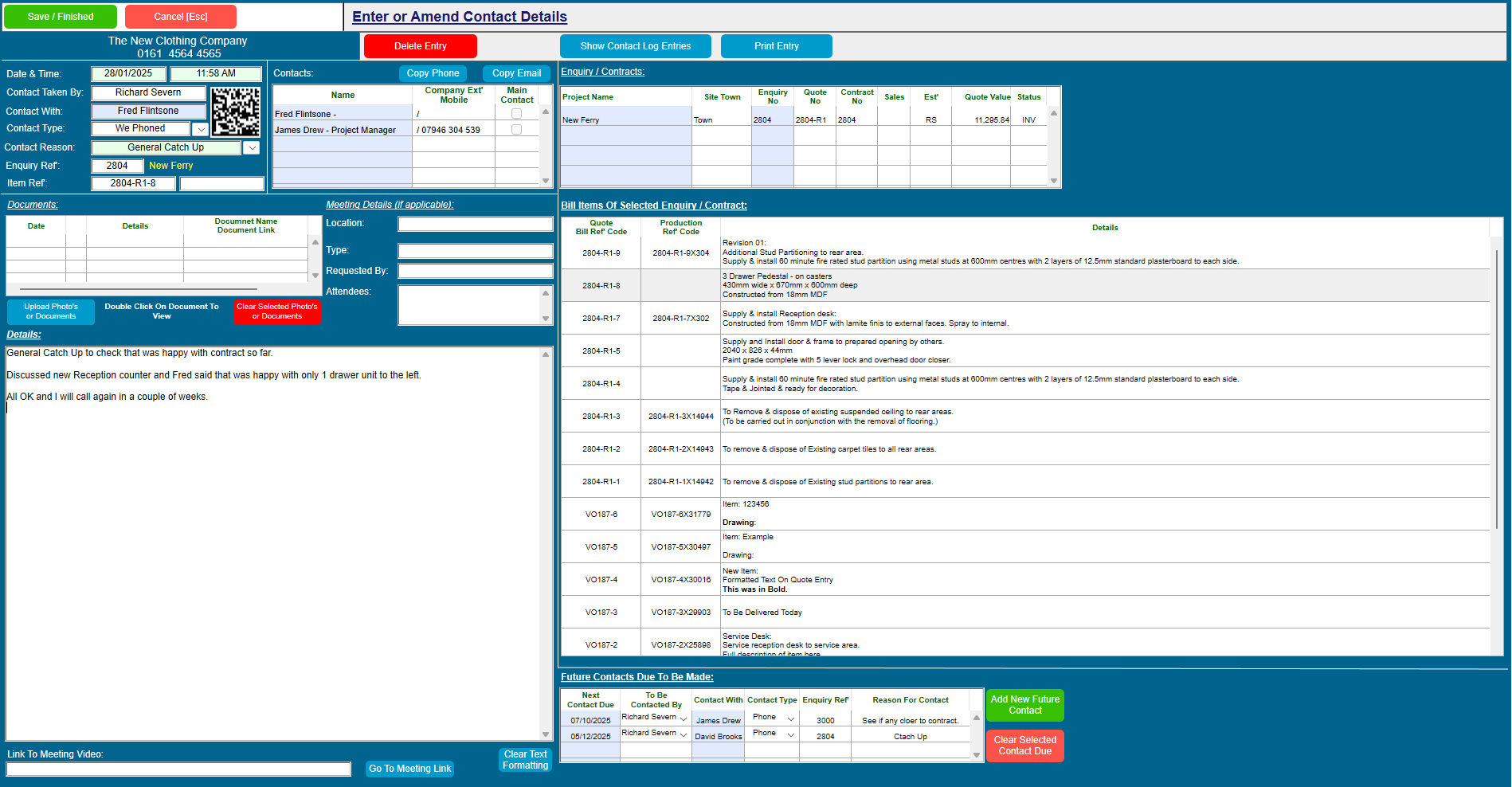
Every discussion and conversation about an enquiry, quotation, or contract is kept visible to the whole team, not siloed with one person.
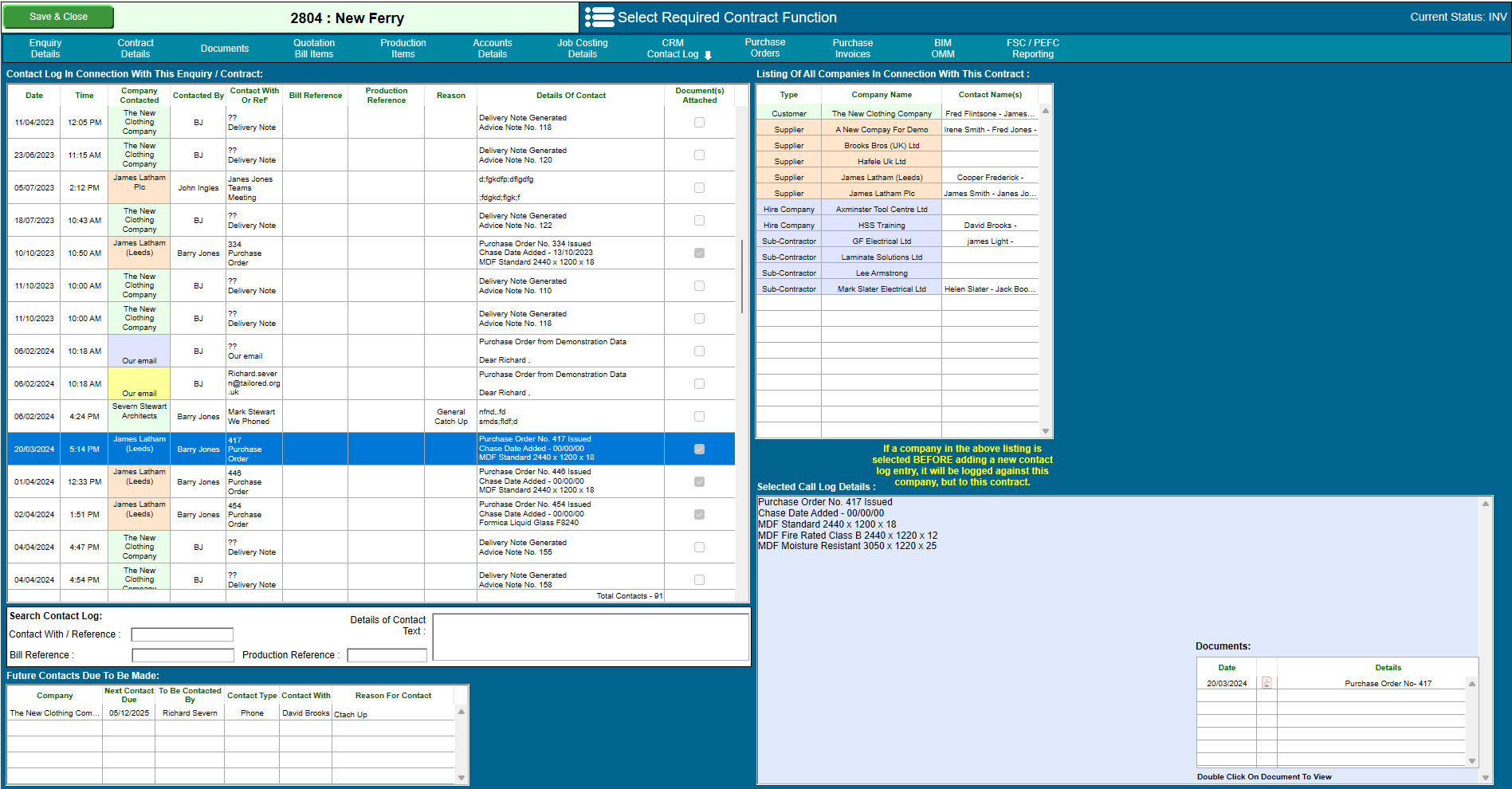
Some entries don’t need to be typed at all — the system logs them automatically as things happen.
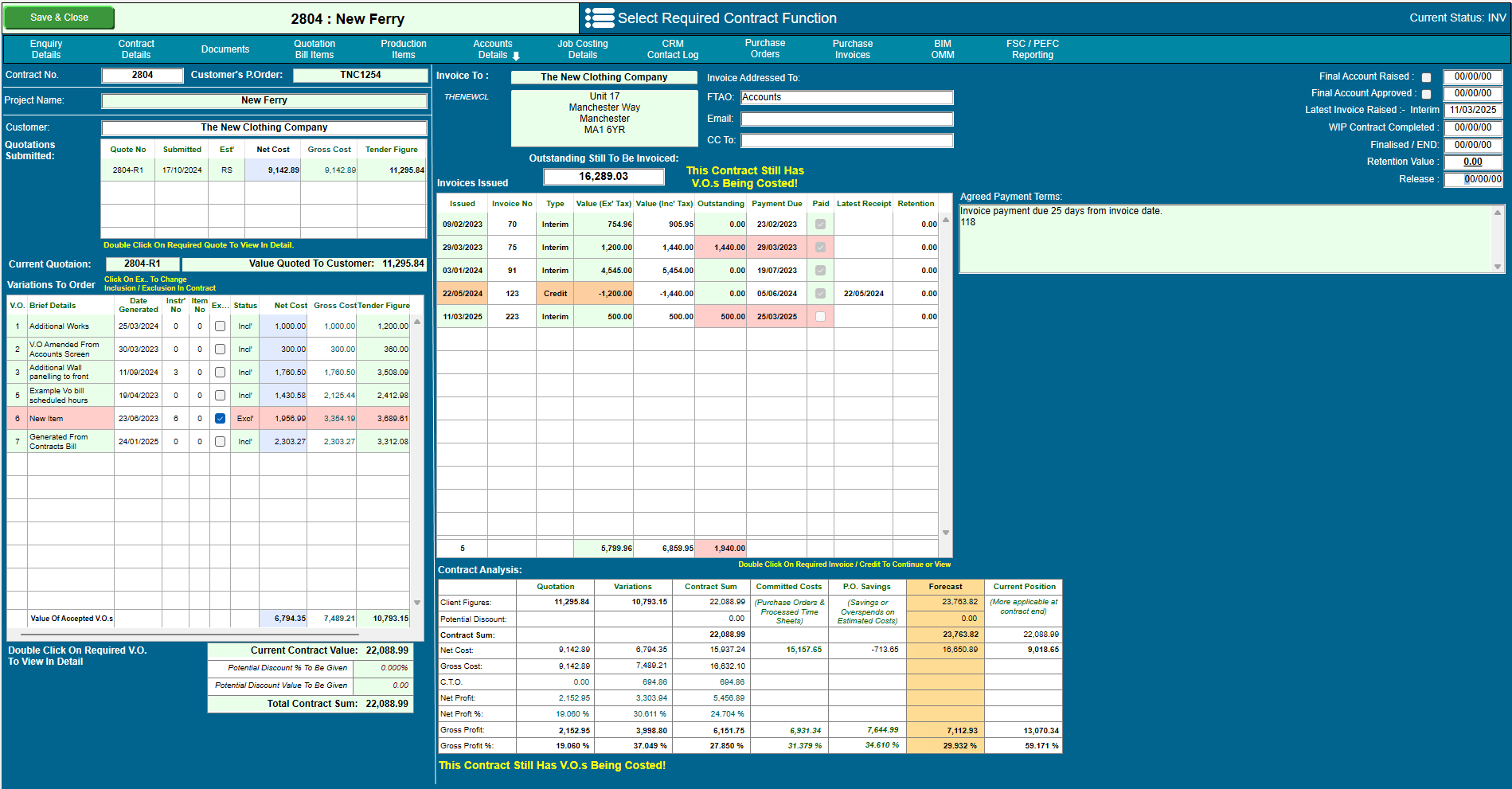
One screen brings together everything you need to know about how an enquiry or contract is progressing.
| Enquiries & leads | |
| Record & generate enquiries | ✓ |
| Enquiries pending orders | ✓ |
| Sales executives activities | ✓ |
| Drawing & document register | ✓ |
| Marketing | |
| Marketing campaigns | ✓ |
| Sales projections | ✓ |
| Clients, suppliers & sub-contractors | |
| Complete company address and contacts details | ✓ |
| Schedule contacts to be made | ✓ |
| Record all contacts made and meeting notes | ✓ |
| Reporting | |
| Sales management & reporting | ✓ |
| Current & potential enquiries & contracts | ✓ |
| Quotation conversion analysis | ✓ |
| In-house control | |
| Multiple company function | ✓ |
| Enquiry / contract status giving a global overview | ✓ |
| To do lists | ✓ |
| Calls to make | ✓ |
| Enquiries to chase | ✓ |
Let us show you how to streamline your sales process.


